
Euka Senior Student Portal Walkthrough
See how Grade 11 and 12 students can organise their subjects, work through lessons, complete assignments and track progress throughout the year.
Meet Eko!
Eko is the Euka mascot and your guide inside the portal. You will find him in two places:
- The home screen: Eko points you towards your lessons and shares helpful information as you navigate the portal.
- The help widget: This is your support tool. From here you can get extra help, submit feedback, or flag anything that needs attention.

Your home page at a glance
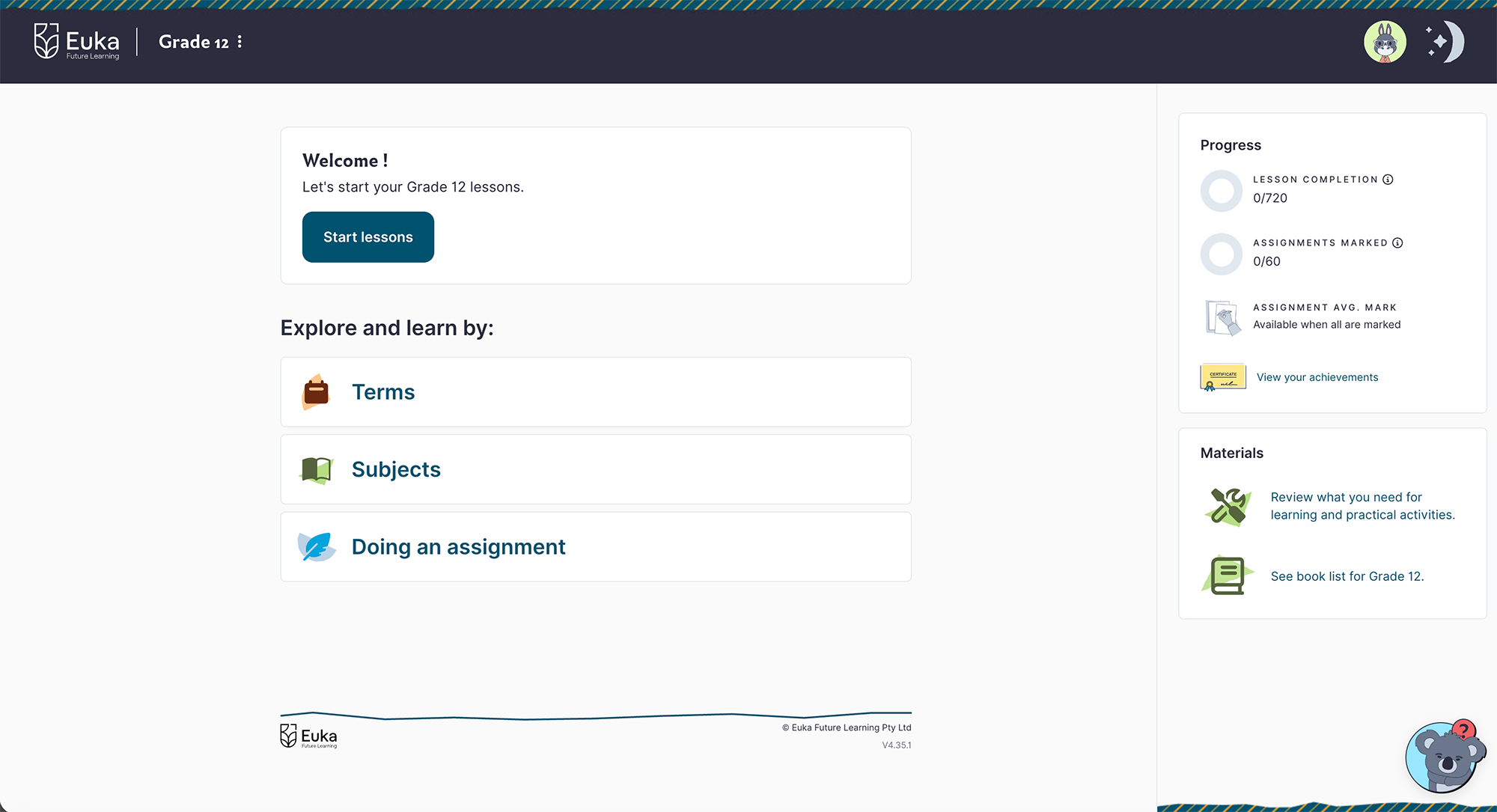
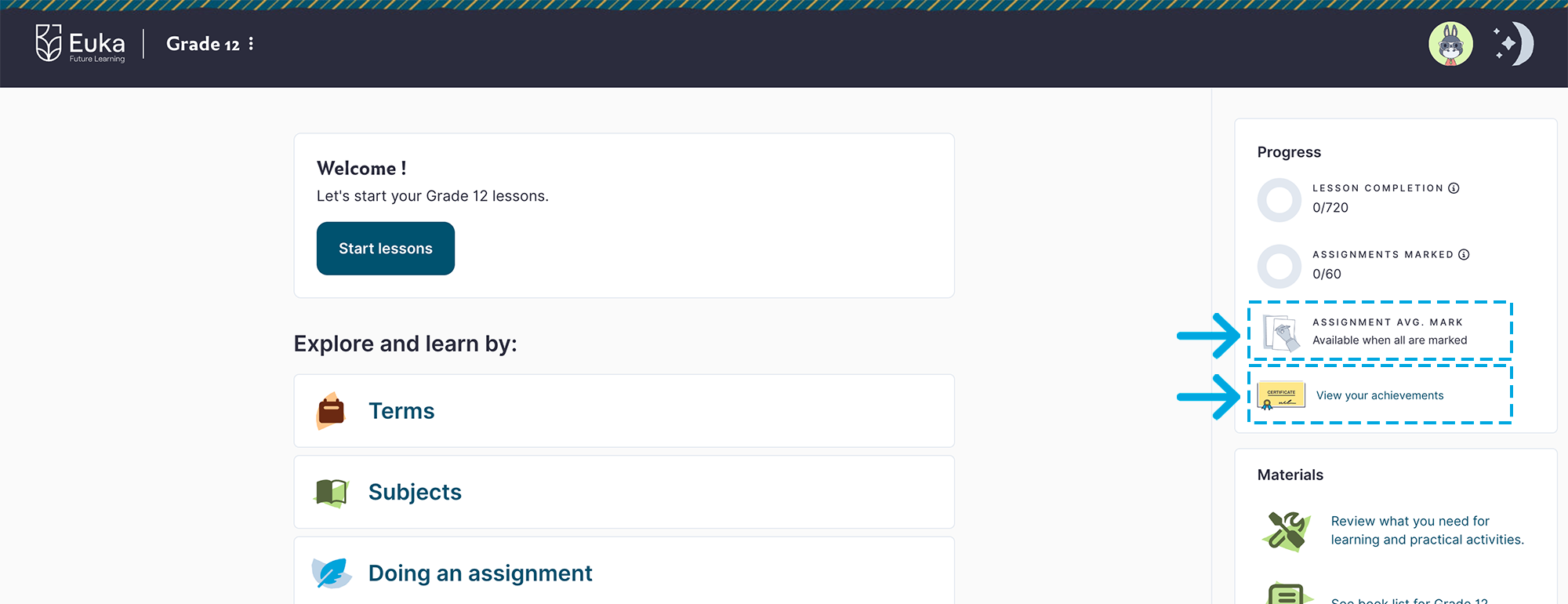
The home page gives you a clear view of where you are in your learning journey. The Progress panel shows three trackers:
- Lesson Completion: How many lessons you have completed across all four terms.
- Assignments Marked: For students on the Assessed pathway, this shows how many assignments have been marked so far this year.
- Assignment Avg. Mark: For students on the Assessed pathway, this shows your average mark for assignments completed and marked so far.
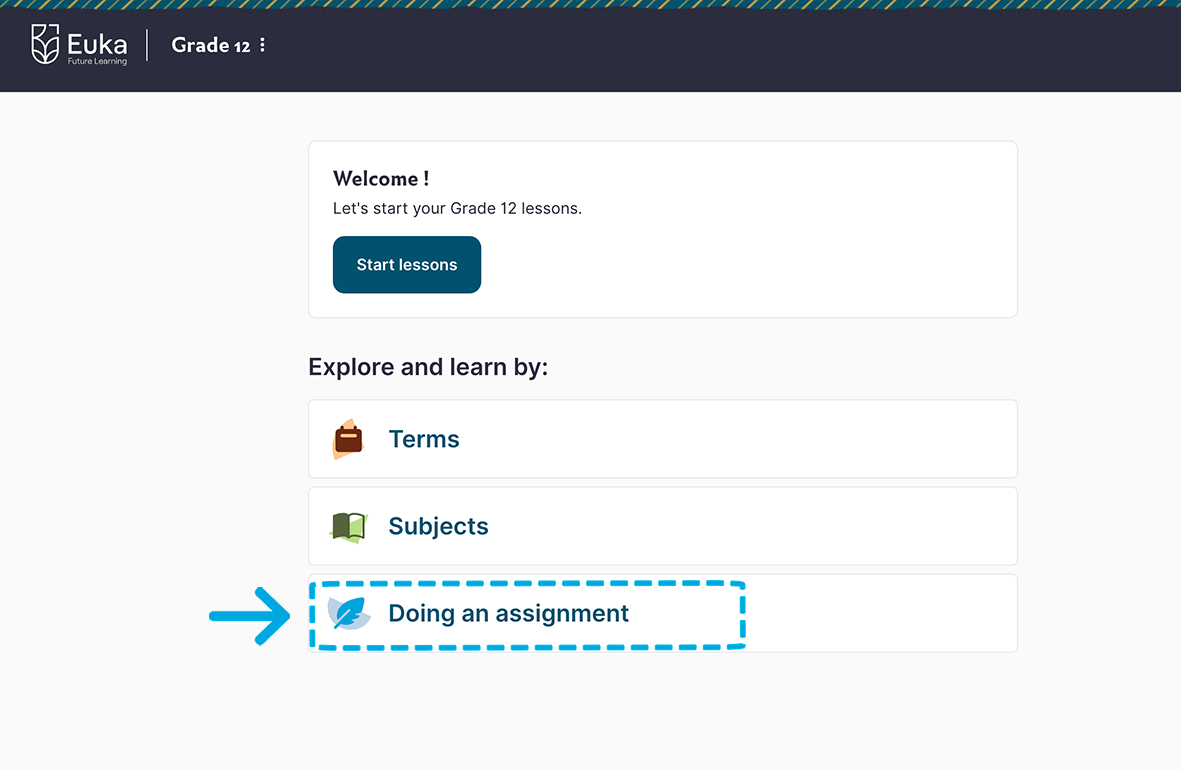
You will also find your achievements and certificates, the Materials links, and three ways to explore: Terms, Subjects, and Doing an assignment.
Making the portal your own
One of the first things the student can do when they log in is update their avatar, password and preferred portal view from the settings area.
These choices are personal and can be changed at any time.
Choose an avatar
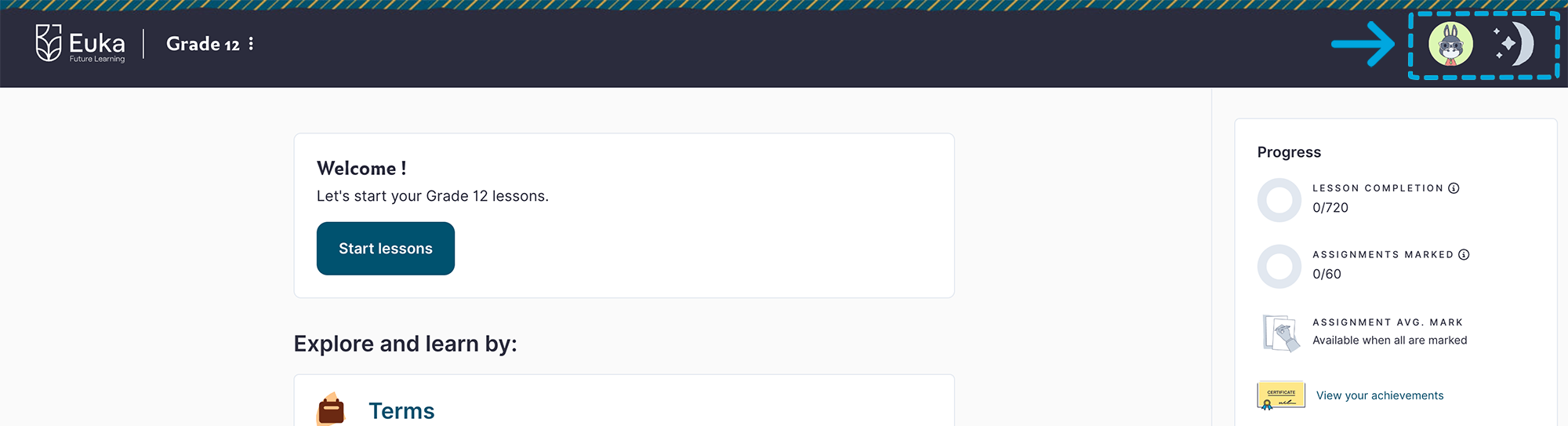
Click the avatar at the top of the screen, select Change Avatar, and pick from the list of Australian animal characters or colours.
Day & night mode
A toggle at the top of the screen to switch between day and night views. Choose your preference.
The Materials List
Before each term starts, open the Materials section from your home page. The first link covers general and practical materials, which are everyday items plus anything needed for hands-on Practise activities. Check at the start of each week, and adapt or substitute where needed.
All subject textbooks are built directly into the Senior program. You do not need to buy any textbooks. The only books to source yourself are the English novels, one per term. Buy them, borrow from your local library, or listen via an audio tool of your choice. Have each term’s novel sorted before the term begins.
University Pathway or Assessment-Free?
Both pathways deliver the same curriculum through the same portal. Every lesson looks and works identically — the difference is in how assignments are assessed.
| University Pathway | Assessment-Free Pathway | |
|---|---|---|
| Lessons | Learn, Practise, Apply, Reflect | Learn, Practise, Apply, Reflect |
| Assignments | Submitted for teacher marking, with written feedback and the option to resubmit | Downloaded and self-marked using the provided rubric |
| Credential | Academic Transcript for university applications | Grade 12 Completion Certificate |
| University partners | Over 100 partners across 18 countries and growing! | Not applicable |
On the Assessment-Free Pathway, the Assignments section is still visible and the marking rubrics are still available to download — you and your parent use the rubric to self-assess your work. Assignments are not submitted to Euka for marking.
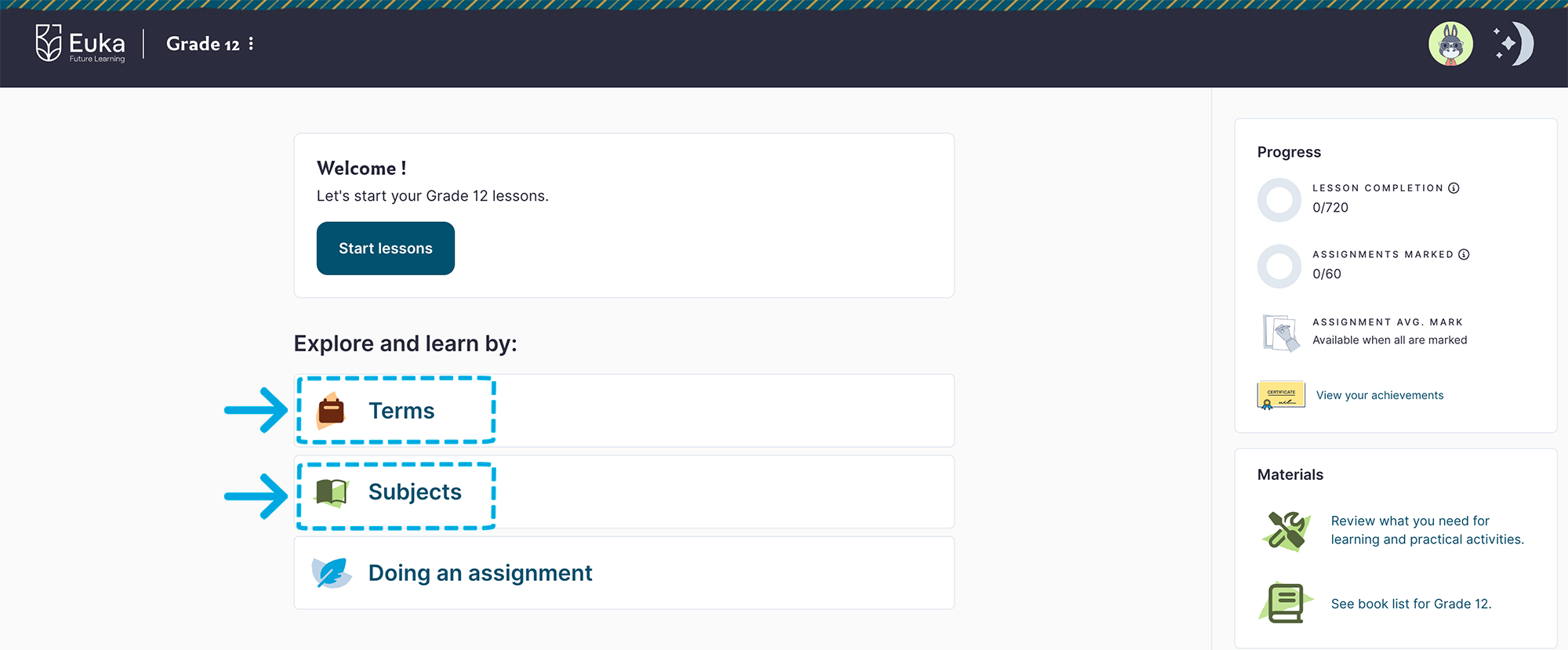
How lessons are organised in Euka Senior
Lessons can be viewed in two ways from your home page, and you can switch between them at any time.
- By Term: Grade 11 has four terms of ten weeks and Grade 12 has three terms. Each week includes five English lessons plus one lesson for each other subject.
- By Subject: Focus on one subject at a time. Lessons stay organised by term and week within each subject.
Follow the suggested weekly plan
English is spread across five days, so you can do one lesson each morning. Your other subjects are each a single block lesson per week. The recommended rhythm is English each morning plus one to two other subjects.
The structure is flexible. If you have a day off for work, sport, or an excursion, simply move those lessons to another day.
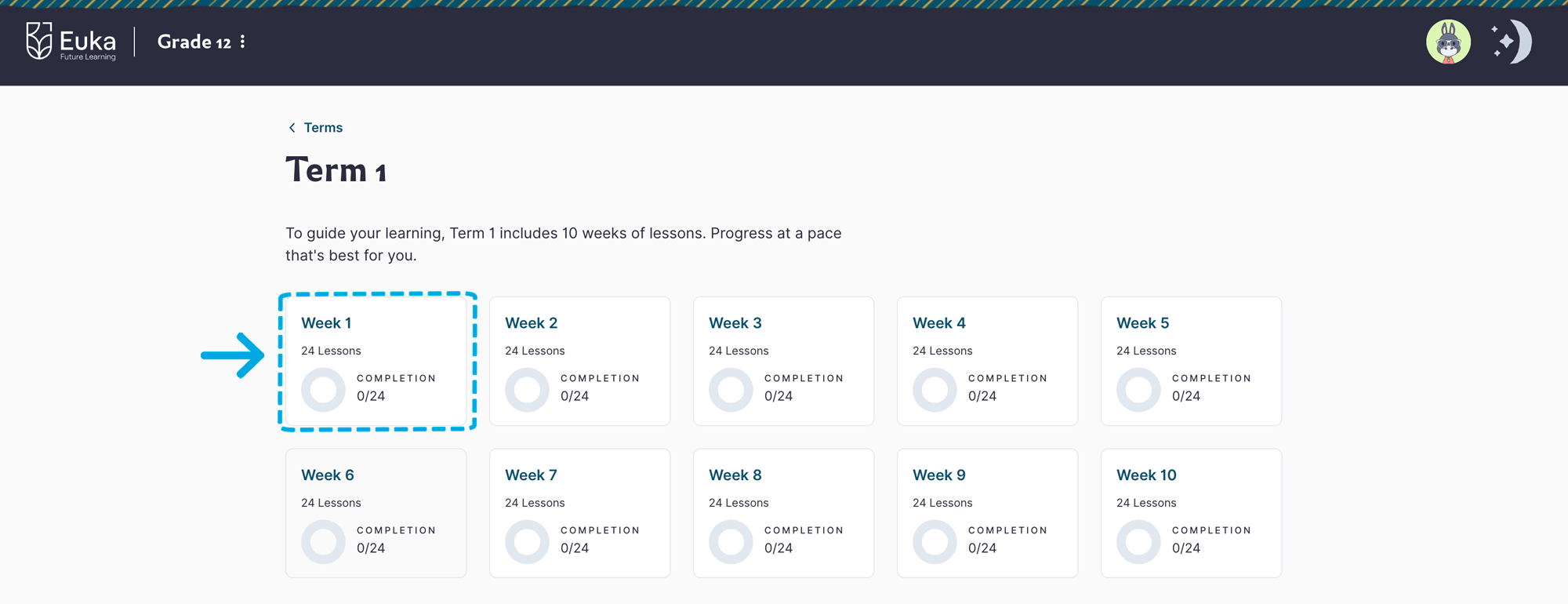
Tracking progress and earning certificates
The lesson completion circle on your home page fills up as you work through each term, and the same indicator appears inside each term and week — so you can always see exactly where you are up to.
As you complete each term, a certificate will awarded and available to download. Once all four terms are complete, your full-year grade certificate unlocks. Download and print them as a record of what you have achieved.
Inside every lesson: Learn, Practise, Apply, Reflect
Every Senior lesson follows the same four-stage structure. Before it begins, an introduction page sets everything up: what you will learn, the curriculum connection, the lesson objective, and why the lesson matters.
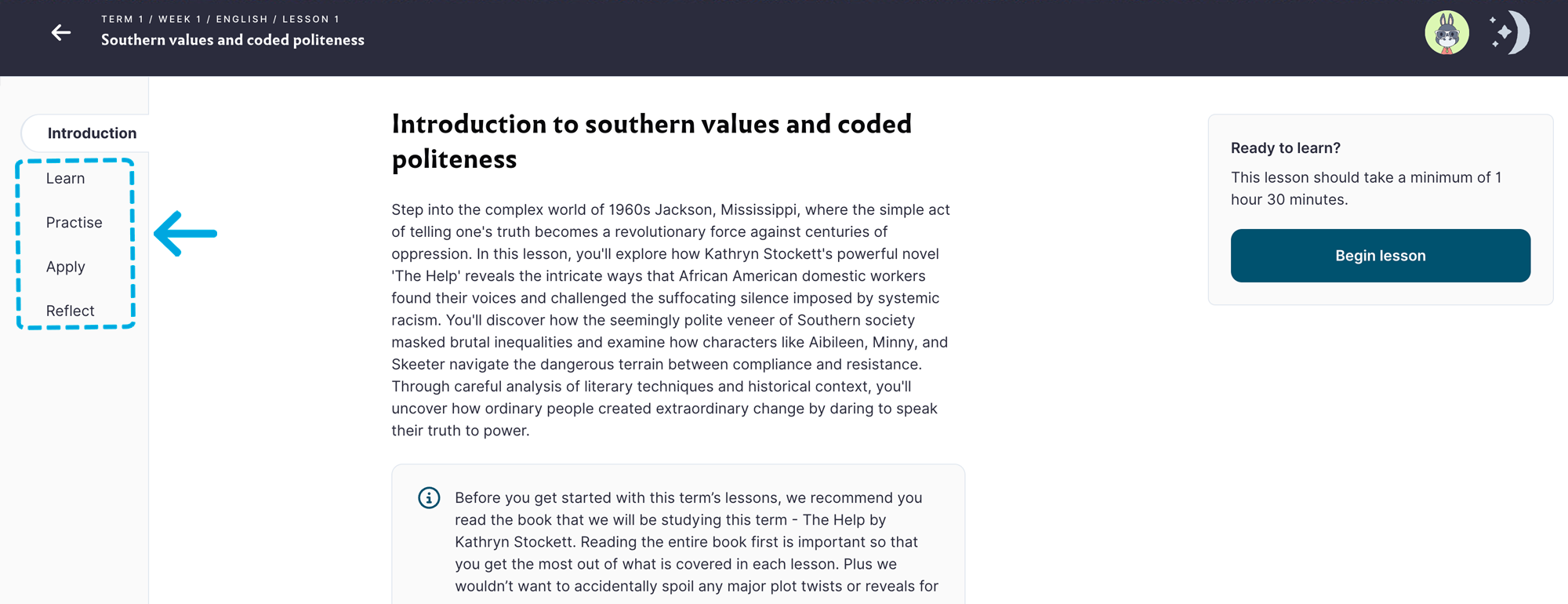
Learn
Study the topic and build your understanding.

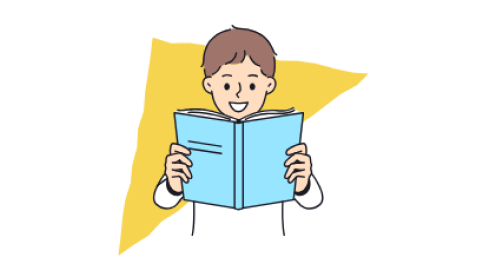
Practise
Relate learning to the real-world with a hands-on activity.
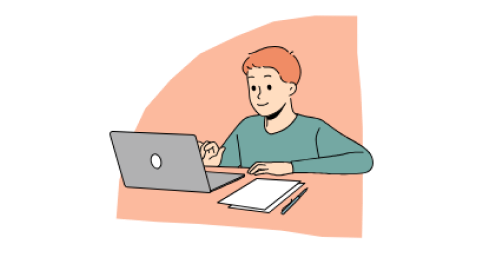
Apply
Solidify your new knowledge through interactive activities, or worksheets.

Reflect
Take a moment to reflect on how you felt and what you learned.
Find and plan your assignments
The assignment area shows all assignments for the term. Grade 11 and 12 students generally have one assignment per subject, per term. Euka recommends starting assignments early, usually around Week 4 of each term.
Know what is expected and how to submit
Each assignment includes the assignment brief, supporting information and a marking rubric. The rubric explains what students need to demonstrate to achieve their best result.
Students enrolled in the assessed program upload assignments directly through the portal. The Euka team marks the work and provides feedback.
Students can make improvements and upload the assignment again if needed.
Track marks and feedback
Once an assignment has been marked, students on the Assessed pathway can view:
- their result
- teacher feedback
- subject achievements
- academic progress
Frequently Asked Questions
Both pathways cover the same curriculum and use the same portal. The difference is assessment. On the University Pathway, assignments are submitted for teacher marking, you receive written feedback, and you receive an Academic Transcript for university applications. On the Assessment-Free Pathway, assignments are self-marked using provided rubrics and you receive a Grade 12 Completion Certificate.
No. All subject textbooks are built into the Senior program and are accessible directly from the Learn section of each lesson. The only books you need to source separately are the English novels, one per term.
No, buying them is not required. You can borrow them from your local library, listen to audio versions on YouTube, Spotify, or Audible, or buy them if you would like to own them. Make sure you have each term’s novel sorted before the term begins.
Open the assignment from the Doing an assignment section on your home page or from within the Terms view. Download the assignment brief, complete your work, then use the Upload button to submit it. This option is available to University Pathway students only.
Yes. Once your marked assignment is returned with teacher feedback, you can make improvements and upload it again. Your new mark replaces the previous one on your Academic Transcript. This is why starting assignments early in the term is strongly recommended.
Exempting an assignment removes it from your record. It is available as an option for genuine circumstances, such as illness. It should not be used routinely. Speak to a parent before exempting any assignment, as it reduces the total number of assignments contributing to your results.
Yes, partially. The Learn and Reflect sections are online. The Apply section questions are available as a downloadable Activity Sheet for offline use. Complete the sheet on paper, then take a photo or screenshot of it and upload it as an image (JPG, JPEG, PNG or HEIC, max 5MB) to save it in your portal.
The answer sheet is locked by default. A parent can unlock it through the Parent Portal under your settings. Once unlocked, it is available to download alongside the activity sheet.